.jpeg)

10 Best Instagram Reels Maker Tools for Creators in 2026
Compare 10 Instagram Reels Maker tools for editing, vertical templates, captions, and publishing, with honest limits and use cases for 2026.
5 min read
October 15, 2026

Struggling with slow uploads? Discover the best YouTube upload software for scheduling, bulk uploads, and SEO. Compare top tools for creators and teams.
Written by:


YouTube gets an enormous volume of uploads every minute. That alone changes what “upload software” should do for a creator or team. The key decision is not how to send a file to YouTube. It is how to move from finished footage to a published asset set without wasting hours on avoidable manual work.
That is why I do not evaluate these tools as one big category. I sort them by workflow. AI repurposing tools help turn one long video into clips, captions, thumbnails, and post copy. NLEs handle editing and export. Schedulers help teams publish across channels and manage approvals. Automation tools connect the handoffs that usually break when a process depends on copy-paste.
That distinction matters in practice. A solo creator clipping a podcast, a freelance editor delivering finished videos, and a social team planning a month of releases are all solving different problems. If they buy from the wrong category, they either overpay for features they will never touch or build a stack that creates friction every week. Readers comparing AI repurposing platforms can also review these AI tools for content creators to see how this category fits into a wider production system.
Upload quality also starts before publishing. Teams recording tutorials, product walkthroughs, or webinars often have a capture problem before they have a distribution problem. If source footage is inconsistent, this guide on screen recording and audio capture is a useful place to tighten the process.
Use this guide to choose the right type of software for your workflow, team size, and publishing cadence. That is a better filter than a generic feature checklist.
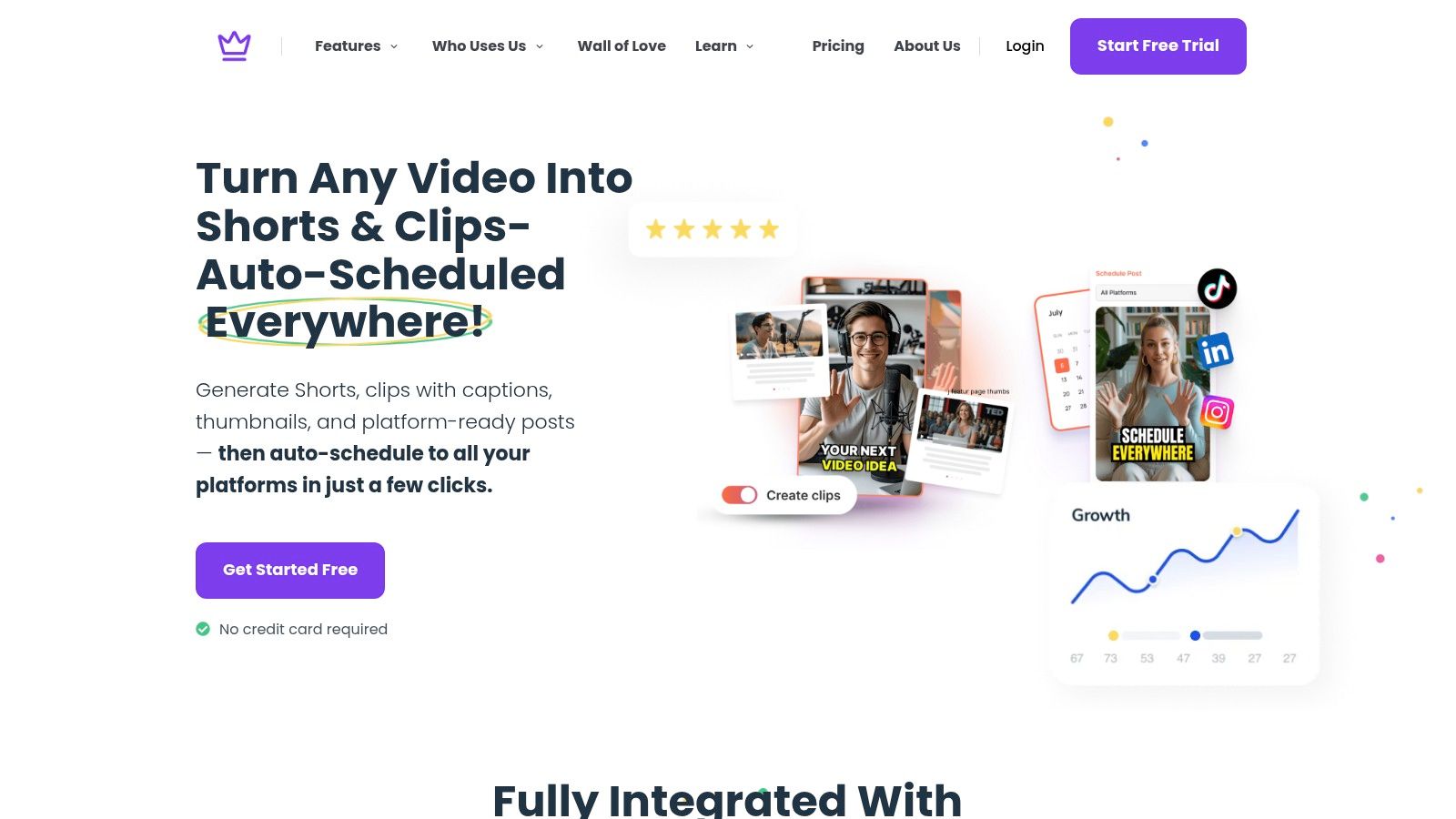
Creators who publish long-form video rarely struggle with the upload itself. The slowdown usually starts after the file is ready. Clips need trimming, captions need cleanup, thumbnails need options, titles need testing, and each platform wants a different format. That is why Taja AI belongs in the AI repurposing category, not the same bucket as a basic uploader or editor.
For solo operators and lean teams, that distinction matters. Taja is built for workflows where one recorded asset needs to become many usable outputs without bouncing across five tools. It handles repurposing, metadata support, creative packaging, and scheduling in one place. If your process starts with a podcast, webinar, sermon, interview, or training video, that is a real operational advantage.
Taja works well for teams that already have enough source footage but struggle to publish consistently. I see this most often with podcasters, educators, real estate marketers, agencies, and in-house social teams. The long-form video gets finished, then stalls because no one wants to spend another hour turning it into Shorts, captions, thumbnails, and post copy.
The workflow is built to reduce that drag:
Teams comparing AI-assisted publishing workflows may also want a practical walkthrough on how to post on YouTube step by step.
Practical rule: If finished videos keep piling up in a drive while your channels go quiet, the bottleneck is usually repurposing and packaging, not recording.
Taja's value is straightforward. It reduces the repetitive work that sits between "video exported" and "content published." That includes clip selection, caption generation, thumbnail drafts, post copy, and cross-platform prep. For a solo creator, those steps often eat more time than the upload itself.
It still needs editorial judgment.
AI output is good at speed and first drafts. It is weaker on nuance, subject-matter precision, compliance language, and brand voice consistency. Teams in finance, healthcare, legal, and other review-heavy categories should treat Taja as a production multiplier, not an approval substitute. A human still needs to check claims, wording, framing, and final creative choices before anything goes live.
One feature that adds real strategic value is topic support. Next Video Idea helps teams decide what to publish after the current asset is done, which makes Taja more useful than software that stops at distribution. If you are comparing that broader workflow, Taja's roundup of AI tools for content creators is a useful companion.
YouTube processes an enormous volume of video every day. That scale is exactly why first-party control still matters. In a workflow-based stack, YouTube Studio is the native publishing layer. It is the tool to use when the job is simple: get the finished video onto YouTube with the right metadata, checks, and release settings.
Studio covers the core publishing tasks well. Uploads, titles, descriptions, thumbnails, playlists, audience settings, subtitles, cards, end screens, scheduling, and Premieres all live in one place. For solo creators and small channel teams focused on YouTube first, that is often enough.
Its biggest advantage is accuracy.
Third-party schedulers save time, but they do not always expose every setting with the same depth or speed as the platform itself. Studio tends to be the safer option for monetization choices, made-for-kids settings, subtitle files, copyright checks, and final pre-publish review. If a channel depends on ads, approvals, or policy-sensitive uploads, cutting out an extra handoff lowers the chance of preventable mistakes.
A few features matter more in practice than they do on a feature checklist:
The trade-off is clear. YouTube Studio is a YouTube tool, not a broader content operation tool. It does not help much with clip repurposing, cross-platform publishing, approval workflows, or automations that push content between systems. That is why it fits one category of this guide well: native publishing and scheduling for YouTube-first workflows.
Use Studio if your workflow looks like this:
If someone on your team needs a refresher on the actual upload sequence, this guide on how to post on YouTube step by step pairs well with Studio's native workflow.
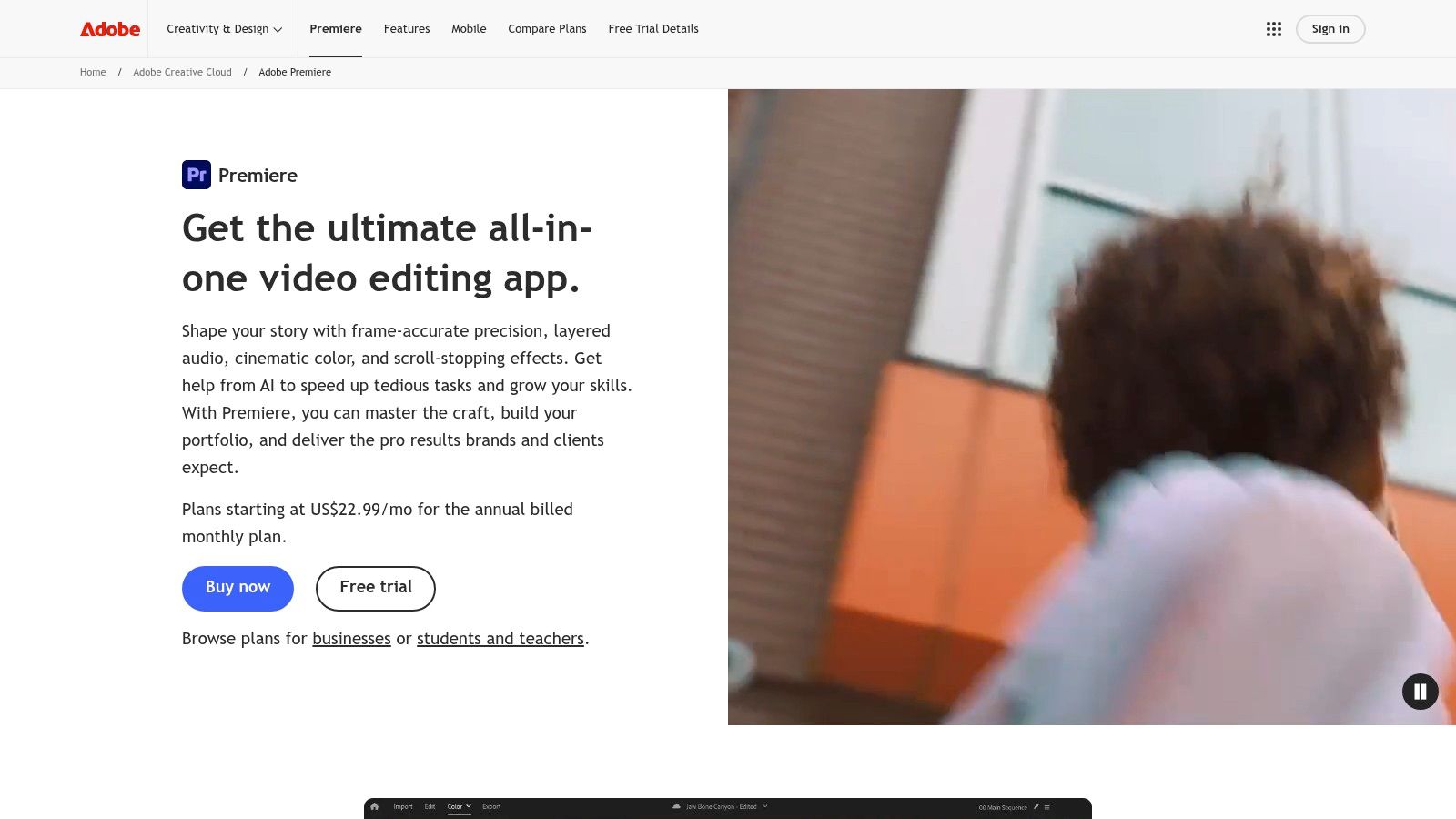
For teams that spend far more time editing than publishing, Premiere Pro earns its place as the NLE option in this workflow-based list. It is built for finishing video first, with direct YouTube upload added to shorten the last step.
That distinction matters.
Premiere works well for agencies, educators, product marketers, and solo creators who cut polished videos inside Adobe every week and want to publish without exporting, opening a browser, and uploading manually. Saving one handoff does not sound dramatic, but in real production workflows, small delays stack up at the end. The longer a finished video sits waiting for upload, the easier it is for reviews, thumbnail swaps, or version confusion to slow release.
Premiere's value is strongest before the upload itself. You get mature editing tools, good caption support, flexible graphics through Adobe's ecosystem, social export presets, and an extensive plugin market for teams with specialized post-production needs. If your workflow already runs through After Effects, Audition, or Creative Cloud libraries, Premiere keeps the production side efficient.
The trade-off is straightforward. Premiere Pro is editing software with upload capability. It is not the right category for content operations. It will not replace a scheduler, a cross-platform publisher, or an automation layer that moves assets between systems.
Use Premiere Pro if your workflow looks like this:
I would not recommend Premiere if the main problem is metadata workflow, approvals, or managing multiple social channels from one dashboard. In that case, a scheduler or automation tool is the better software type. If the core job is editing and finishing, Premiere is a strong fit. If the core job is upload operations, it is more software, and more cost, than many teams need.
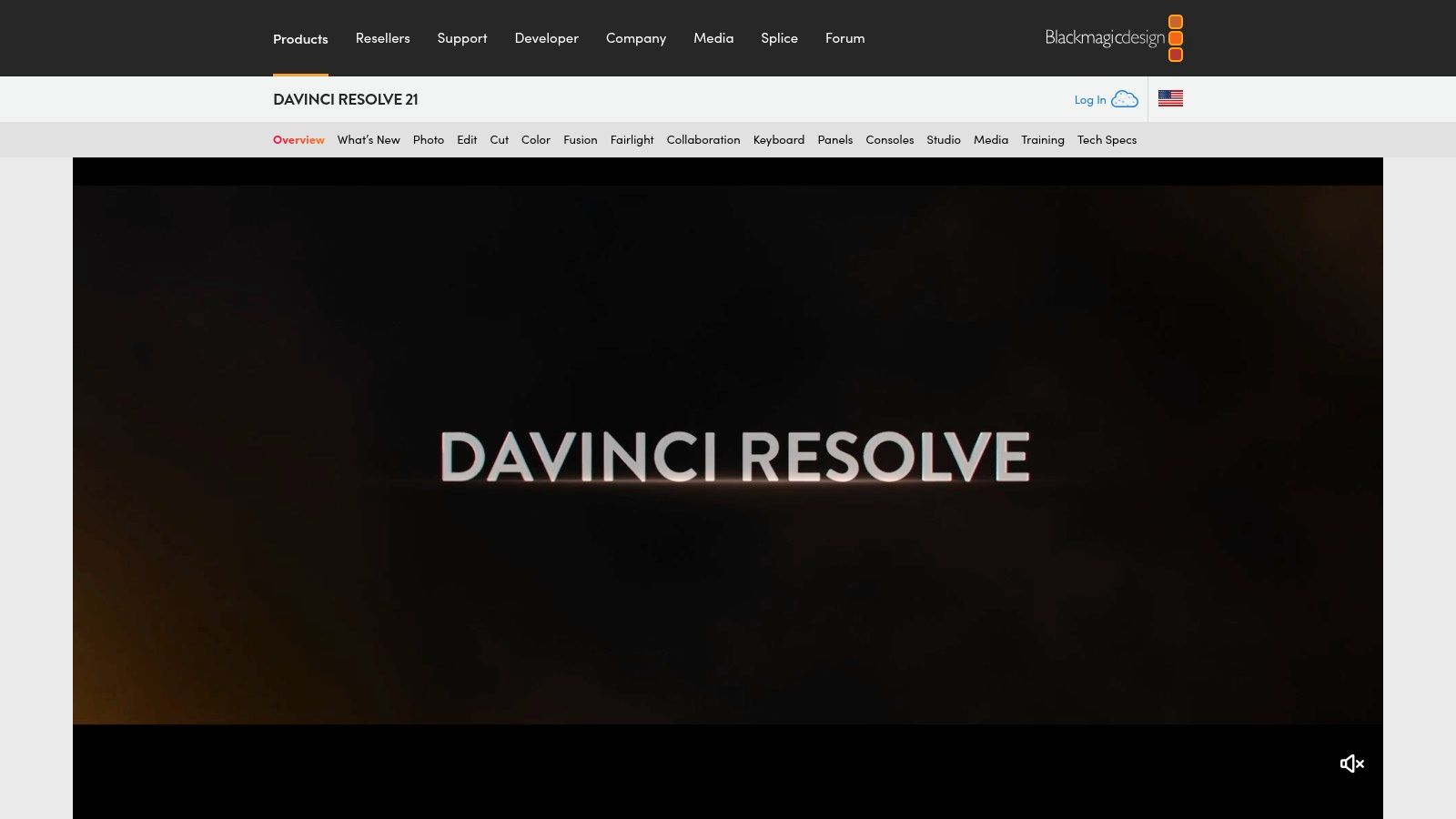
DaVinci Resolve is the best fit for editors who want serious finishing tools and a direct delivery path to YouTube without buying into a subscription-heavy ecosystem. The Deliver page makes render-and-upload straightforward, and the broader post-production package is unusually complete for a tool that also offers a capable free version.
For channels where color, sound, and motion work drive viewer perception, Resolve punches above most upload-adjacent tools. It's not just an editor. It's a finishing environment.
Resolve's direct YouTube upload is convenient, but I wouldn't treat it as the final answer for every channel. For some teams, exporting a master and uploading through YouTube Studio still gives more confidence, especially when scheduling details, metadata checks, or thumbnail handling need a closer look.
That's the recurring pattern with editor-based upload features. They save time on the final push, but they don't replace a dedicated publishing workflow.
Resolve makes sense when you need:
The more complex your post-production is, the less you should expect your upload software to also be your planning software.
One more reason Resolve stays relevant in this category is cost structure. Many editors want long-term control over their tools, not another monthly publishing bill stacked on top of everything else. Resolve gives them that option while still supporting a YouTube-ready workflow.
Final Cut Pro is the Mac-first answer for creators who care about speed. If you're on Apple hardware and want exports to move fast, Final Cut remains one of the most efficient editing environments for getting a polished file out the door and onto YouTube.
It works especially well for creators who publish regularly but don't need deep team workflows. Think solo YouTubers, production-minded educators, and in-house marketers on Mac setups who want less friction between final cut and final upload.
The practical appeal is simple. Final Cut is responsive, optimized well for Apple silicon, and pairs cleanly with Motion and Compressor if you need more control over effects and encoding. For repeatable YouTube production, that matters more than endless feature sprawl.
Its YouTube-friendly share workflows are useful, but many experienced editors still export a master and upload via YouTube Studio. That's not a knock on Final Cut. It's just a sign that direct publishing inside an editor is often best when convenience matters more than full publish-stage control.
A good Final Cut workflow usually looks like this:
That division of labor works. Editors keep speed. Publishers keep control.
Final Cut becomes a weaker choice if your content operation extends far beyond YouTube. It doesn't solve approvals, cross-posting, asset reuse, or social scheduling. If your team is trying to run a content machine, Final Cut is one part of the pipeline, not the pipeline itself.
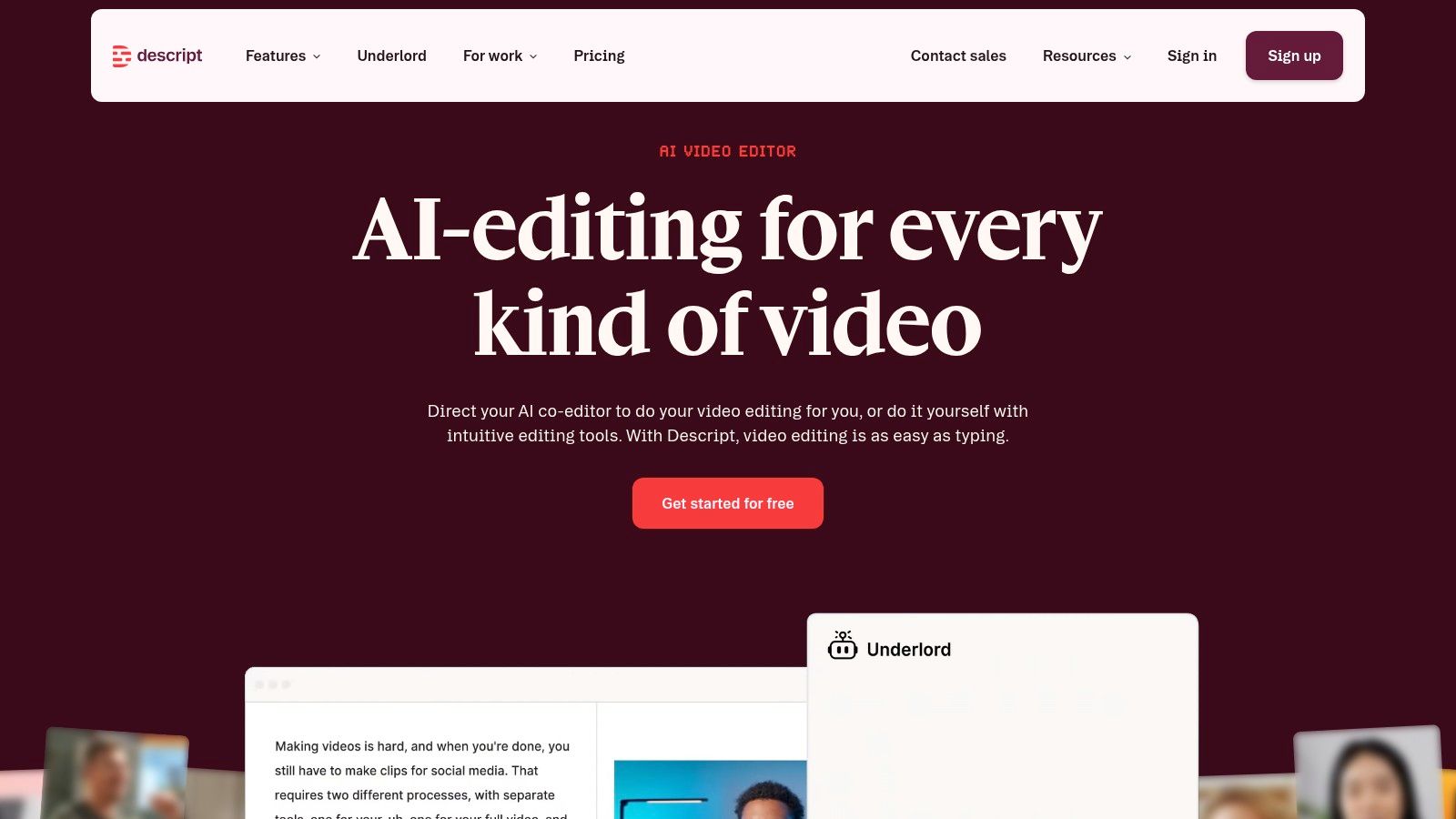
Short-form clips, webinars, interviews, and screen-recorded lessons all create the same bottleneck. Editing spoken content in a traditional timeline takes longer than the content usually justifies. Descript solves that workflow problem better than many standard editors because the transcript is the edit interface.
That makes it a strong fit in the AI repurposing and light-editing category of this guide. It is not trying to replace Premiere Pro or Resolve for finish work. It helps teams and solo creators turn recorded speech into publishable YouTube content fast, especially when the job is trimming, tightening, captioning, and exporting without handing the project to a full post-production stack.
For anyone evaluating the tool itself, this Descript profile gives a quick external overview.
Descript works well for channels built around explanation, opinion, education, and interviews. If the value is in what was said, not in advanced motion design or shot-heavy storytelling, transcript-based editing is often the faster production path.
The practical upside is clear:
The trade-off is control. Descript is efficient, but it is still a lighter editing environment. Teams that need detailed color correction, layered sound design, custom graphics, or complex multicam storytelling usually outgrow it and finish in a full NLE instead.
That is why Descript works best as a workflow choice, not a universal editor. For coaches, educators, podcasters, consultants, and lean content teams, it can compress the path from recording to upload. For brand-heavy productions, it is usually the first pass, not the final station.
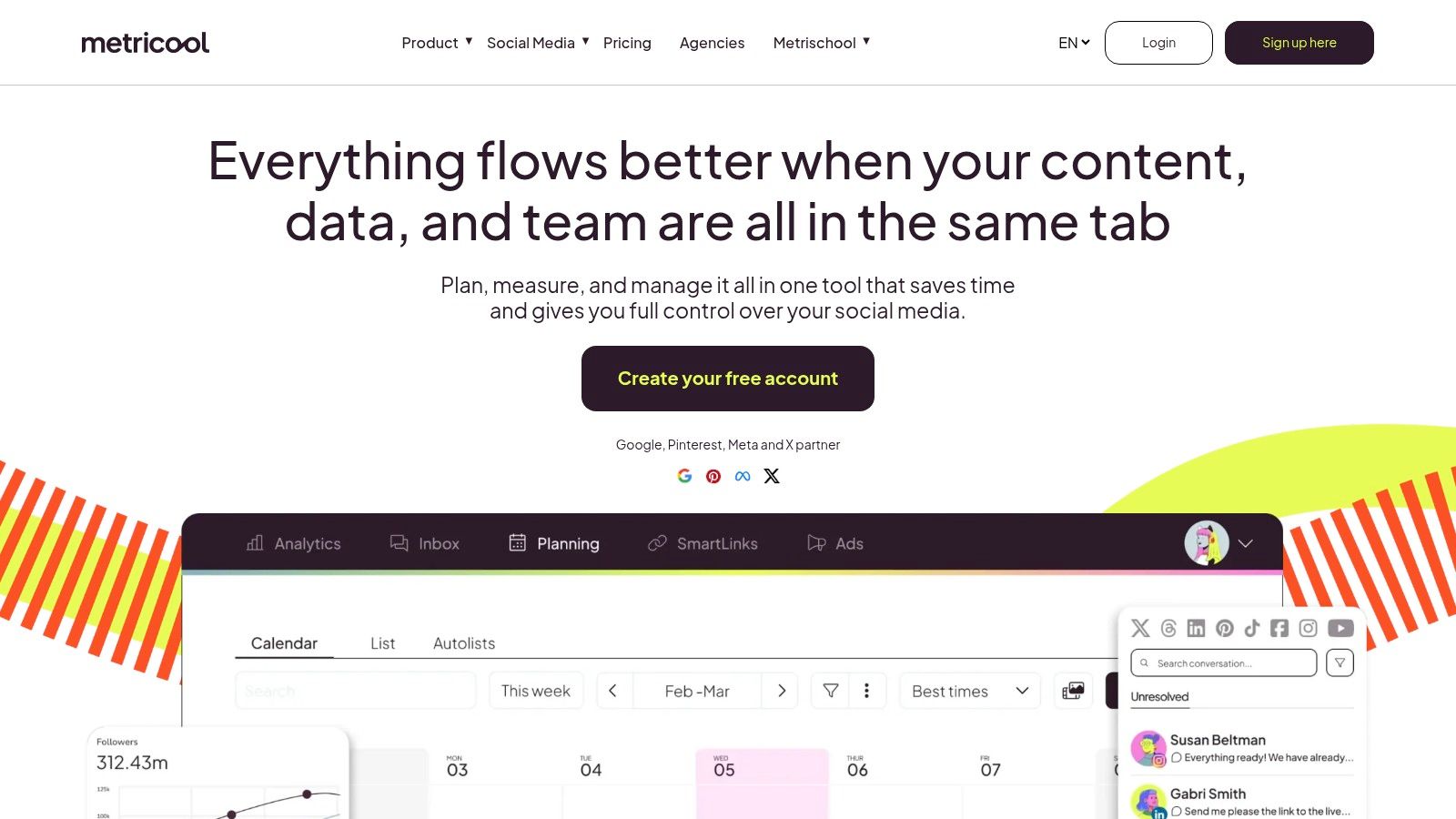
Video publishing now spans more channels, more stakeholders, and more deadlines than a native uploader was built to handle. That is the gap Metricool fills.
In this guide's workflow-based view, Metricool sits in the scheduler category, not the editing or automation bucket. It is built for teams that already have videos ready and need a reliable way to plan, approve, and publish across YouTube and the rest of their social calendar without running each post through a separate tool.
Metricool supports YouTube scheduling, including Shorts, but its real value is operational control. The shared calendar, draft flow, and approval process help small marketing teams and agencies keep campaigns on schedule and avoid avoidable mistakes like wrong publish dates, missing assets, or last-minute handoffs.
That matters once video becomes a routine part of marketing. At that point, the bottleneck usually is not exporting the file. It is coordinating who publishes what, when, and on which channel.
Metricool is a practical fit for teams that need:
The trade-off is straightforward. Metricool gives up some YouTube-specific depth in exchange for cross-platform efficiency. If the job requires fine control over every native YouTube setting, YouTube Studio is usually the safer place to publish. If the bigger problem is keeping a multi-channel content pipeline organized, Metricool is often the better software choice.
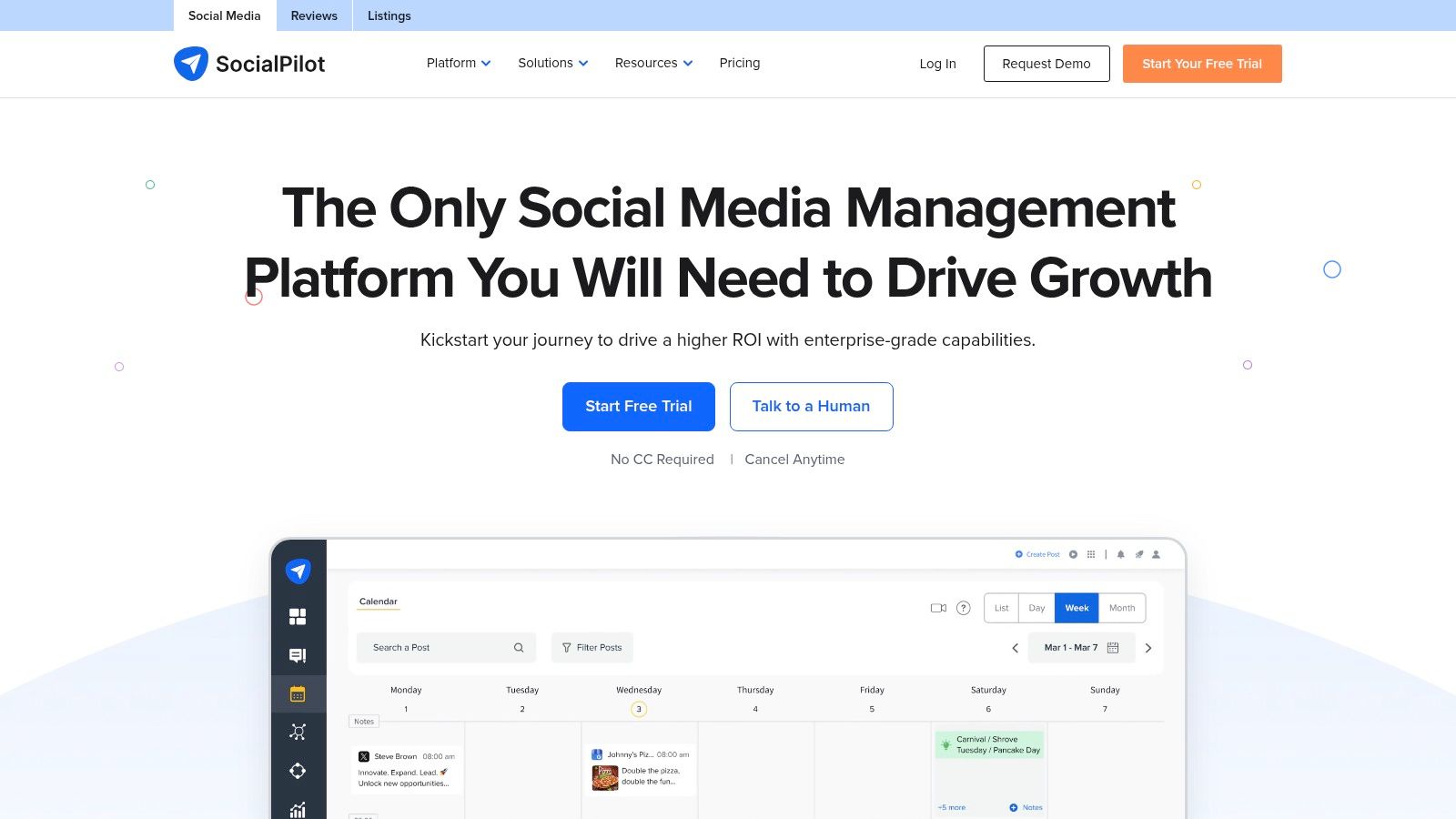
SocialPilot fits the scheduler bucket for teams that publish in batches and care more about getting approved content out on time than tweaking every native YouTube setting. For SMBs, agencies, and lean in-house teams, that is often the core focus.
It handles YouTube publishing, bulk scheduling, approvals, and cross-channel planning without the cost and setup burden that comes with enterprise social platforms. The practical benefit is simple. Your team can run a repeatable publishing process from one calendar instead of chasing assets across email, spreadsheets, and chat.
SocialPilot works well when video is only one part of a broader social workflow. A client services team can load a month of YouTube videos, pair them with supporting posts for other channels, collect feedback, and schedule everything in one place. Teams that also use AI in pre-production often pair a scheduler like this with an AI social media content generator workflow upstream, then use SocialPilot for approvals and publishing control.
The strength here is operational speed. Bulk actions save time, especially for agencies managing several brands or internal teams running recurring campaign calendars. That matters once the bottleneck shifts from creating the video to coordinating reviews, publish dates, captions, and channel ownership.
A typical SocialPilot workflow looks like this:
The trade-off is clear. SocialPilot gives you efficient scheduling and collaboration, but it is not the best choice for advanced YouTube-specific controls, deep social listening, or enterprise governance. Teams that need a practical scheduler for multi-channel publishing will get value from it. Teams with heavier compliance, reporting, or brand-structure requirements usually need a larger system.
Sprout Social fits a specific workflow category in this guide: team scheduling and governance for organizations where YouTube publishing passes through several hands before anything goes live. If SocialPilot is aimed at efficient batch scheduling, Sprout moves up the stack into permissions, review control, and reporting for larger brand structures.
It supports YouTube publishing, scheduling, subtitle handling, approvals, and cross-channel planning. That matters for companies running multiple brands, regional accounts, or shared service teams, where YouTube is one distribution point inside a larger social operation.
Sprout makes sense once publishing friction comes from coordination, not from the upload itself. A marketing lead needs calendar visibility. Brand managers need naming and asset discipline. Legal or compliance may need a review step. Regional teams may need separate publishing access without losing central oversight.
That is the actual buying decision here. Teams at this stage are paying for process control, auditability, and cleaner handoffs.
Sprout is strongest at:
I have seen this break in practice. A video is finished, but the caption draft is in one tool, the thumbnail is in another folder, and nobody is sure whether the final version was approved. Sprout helps fix that operational mess. It gives larger teams one system for ownership, review status, and publish timing.
The trade-off is straightforward. Sprout is usually too expensive and too process-heavy for a solo creator, a small YouTube-first shop, or a team that just needs to queue videos quickly. It works best for mid-market and enterprise teams with real approval overhead and cross-functional reporting needs.
If your workflow already uses AI to generate post copy, variations, or campaign assets before scheduling, Sprout can sit downstream from an AI social media content generator workflow and handle the review and publishing side with much tighter control.
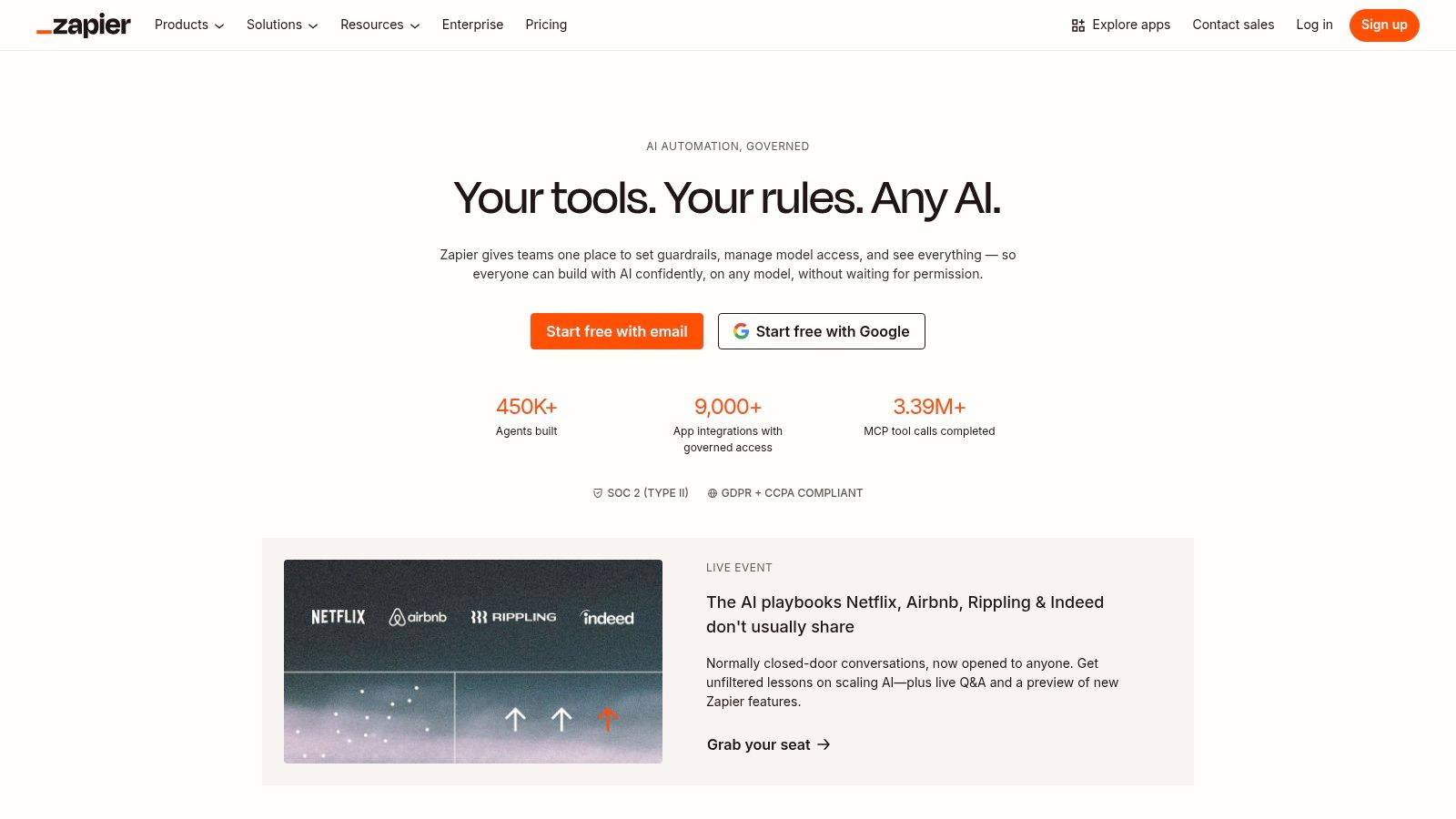
Zapier belongs in the Automation category. It connects the systems that already produce, approve, or store video files and turns those handoffs into a YouTube upload workflow. For teams with repeatable publishing operations, that saves real time and removes a lot of manual copying.
The fit is narrow, but strong.
Zapier works best when the video, metadata, and publish trigger already exist somewhere else. A podcast team may finish episodes in one app, store final MP4s in cloud storage, and keep titles and descriptions in Airtable or a CMS. In that setup, YouTube becomes the final destination in a larger system, not the place where the workflow starts.
That distinction matters. Editors and creators who want to adjust every field before a video goes live will usually find Zapier too rigid. Operations teams, education teams, media networks, and B2B marketers publishing recurring formats tend to get much more value from it.
Common use cases include:
The practical advantage is consistency. Titles, descriptions, privacy settings, and tags can be mapped from the source system so the same rules apply every time. If your team publishes dozens of similar videos each month, that process control matters more than a prettier upload screen.
The trade-off is setup quality. Zapier will faithfully pass along bad file names, missing metadata, or the wrong privacy setting if the upstream system is messy. I would not hand this to a team without clear naming rules, stable folder structure, and at least one review checkpoint before the first live runs.
Debugging is the biggest risk. Test steps can pass while the live workflow fails on edge cases such as missing fields, oversized files, or inconsistent formatting between records. Teams that choose Zapier should expect to monitor the first batch closely and document exception handling, not just the happy path.
For the right workflow type, though, it does its job well. Zapier is less about publishing polish and more about operational throughput. If your bottleneck is repetitive handoff work, this is one of the few tools in this list that can remove the handoff altogether.
| Product | Core capabilities | Quality & UX (★) | Value & Pricing (💰) | Target & Standout (👥 / ✨) |
|---|---|---|---|---|
| Taja AI 🏆 | Auto-generates ~27 assets/video; SEO optimize; multi‑platform scheduling | ★★★★☆ fast, polish‑ready editor | Free trial (no CC); paid plans, big time savings 💰 | 👥 Creators, SMBs, podcasters, ✨Next Video Idea, Backlog Boost, thumbnail & brand templates |
| YouTube Studio | First‑party upload, metadata, captions, Premieres, bulk | ★★★★☆ most reliable native UX | Free 💰 | 👥 All creators, ✨immediate access to new YouTube features |
| Adobe Premiere Pro | Pro NLE; export→YouTube with metadata; plugins ecosystem | ★★★★★ professional finish; steep learning | Subscription (Adobe), higher cost 💰 | 👥 Professional editors, ✨robust plugins & motion graphics |
| DaVinci Resolve | Full NLE + color/VFX/audio; Deliver→YouTube | ★★★★★ pro tools; export→upload workflow | Free tier; Studio one‑time license 💰 | 👥 Colorists/editors, ✨Fusion VFX & Fairlight audio |
| Final Cut Pro | Mac NLE; fast exports; Share workflows | ★★★★☆ very fast on Apple silicon | One‑time purchase 💰 | 👥 Mac editors, ✨Apple‑optimized performance |
| Descript | Text‑based editing, auto transcription, 1‑click publish | ★★★★ quick for talk‑driven workflows | Subscription tiers 💰 | 👥 Podcasters, creators, ✨text editing + AI cleanup |
| Metricool | Scheduler + analytics; YouTube & Shorts publishing | ★★★★ reliable multi‑channel calendar | Tiered pricing 💰 | 👥 Small teams/creators, ✨unified calendar & approvals |
| SocialPilot | Affordable scheduler; bulk uploads & team approvals | ★★★ practical, straightforward UI | Budget‑friendly plans 💰 | 👥 SMBs & agencies, ✨bulk scheduling & client workflows |
| Sprout Social | Enterprise publishing, approvals, analytics, SRT support | ★★★★ robust for teams, governance‑ready | Premium enterprise pricing 💰 | 👥 Large teams/brands, ✨listening, reporting & asset mgmt |
| Zapier | Automation workflows with native YouTube upload action | ★★★ automates uploads; setup required | Task‑based pricing (scales with usage) 💰 | 👥 Ops/automation users, ✨connects 6,000+ apps |
Roughly half of the decision here comes down to workflow fit, not feature count.
The right youtube upload software depends on the bottleneck after editing. For some creators, that bottleneck is packaging and publishing a single video well. For others, it is turning one recording into Shorts, clips, captions, thumbnails, and scheduled posts across multiple channels. Those are different jobs, and the tool categories in this guide matter more than any single feature checklist.
Start with the category that matches your real constraint. AI repurposing tools such as Taja AI help teams that need more output from each source video. Native publishing tools such as YouTube Studio make sense when platform control and simplicity matter most. NLEs such as Premiere Pro, DaVinci Resolve, Final Cut Pro, and Descript fit teams that edit heavily and want upload tied closely to post-production. Schedulers such as Metricool, SocialPilot, and Sprout Social are built for calendars, approvals, and multi-account publishing. Automation tools such as Zapier fit operations-heavy setups where uploads should happen from a trigger.
I see one mistake repeatedly. Teams buy editing software to fix a planning problem, or buy a scheduler when the actual issue is asset creation.
A better buying process is blunt:
That is why Taja AI earns a place in this list. It addresses a common problem for solopreneurs and small teams: the upload is not the finish line. It is the starting point for titles, clips, thumbnails, captions, and redistribution. If the current process still relies on uploading one video and then handling every derivative asset by hand, software in the AI repurposing category can remove a large amount of post-recording drag.
There is a broader shift here, as noted earlier. Video teams increasingly want fewer disconnected tools and clearer handoffs between editing, optimization, scheduling, and reuse. That does not mean every team should consolidate into one platform. A solo educator may get better results from YouTube Studio plus Descript. A brand team with approvals and reporting needs may be better served by Sprout Social or Metricool. A production-led channel may still prefer Premiere Pro or Resolve as the center of the workflow.
One caution matters. AI-assisted publishing helps with speed, but speed alone does not improve channel performance. Editorial judgment still decides whether the thumbnail is strong, the metadata matches search intent, the clip is worth posting, and the final output meets policy and brand standards.
If I were advising a lean team, I would optimize for repeatability first. Pick the software category that removes the biggest recurring bottleneck, then build a process your team can sustain every week. Consistency usually comes from fewer manual steps, clearer approvals, and faster asset reuse, not from owning the largest stack of tools.


We are blessed to work with leading brands & Companies


We try to make easy and simple for every professionals. Get 30 days free trial - No credit card required.


© 2025 Taja AI. All rights reserved.